
You ordered a pair of shoes, and they arrived a size too small. Now you are staring at your phone, wondering whether returning them will take five minutes or five weeks. Knowing exactly how to return a product on Flipkart and Amazon makes the difference between a quick refund and a frustrating back-and-forth.
The short answer: open your orders page, select the item, choose “Return,” pick a reason, and select a refund method. Then schedule a pickup or drop-off, pack the item in its original packaging, and hand it over. Both platforms usually issue the refund within 2 to 10 business days after the item passes a quality check. Always confirm your item’s return window before you start.
Key Takeaways
- Check the return window on the product page before ordering, since it varies by category.
- Start every return from the “My Orders” or “Your Orders” page in the app or website.
- Keep original packaging, tags, and accessories to avoid pickup rejection.
- Take photos or a short video of the item before handing it over.
- Refunds to the original payment source typically take 2 to 10 business days after approval.
Before You Start: Check Eligibility
Not every product can be returned, so confirm eligibility first. Each listing shows a return policy near the price or delivery details. Common windows range from 7 to 30 days, and some categories, such as electronics, often have shorter periods.
Moreover, certain items are excluded entirely. Innerwear, perishable goods, personalized products, and some beauty items are frequently non-returnable for hygiene or safety reasons. If you are new to the platform, our guide on how to use Flipkart for beginners explains where to find these policy details.
Gather What You Need
Preparation saves time later. In practice, most rejected returns happen because something was missing or damaged. Collect the following before you begin:
- The original box, tags, and sealed accessories
- Your order ID and invoice
- Photos of the product, especially if it is damaged or defective
- A phone number that can receive delivery agent calls
Understand Return Reasons
Platforms categorize returns by reason, such as wrong item, damaged product, size mismatch, or “no longer needed.” The reason you select affects who pays for shipping and whether a replacement is offered. Therefore, choose the most accurate option rather than the quickest one.
How to Return an Item on Flipkart
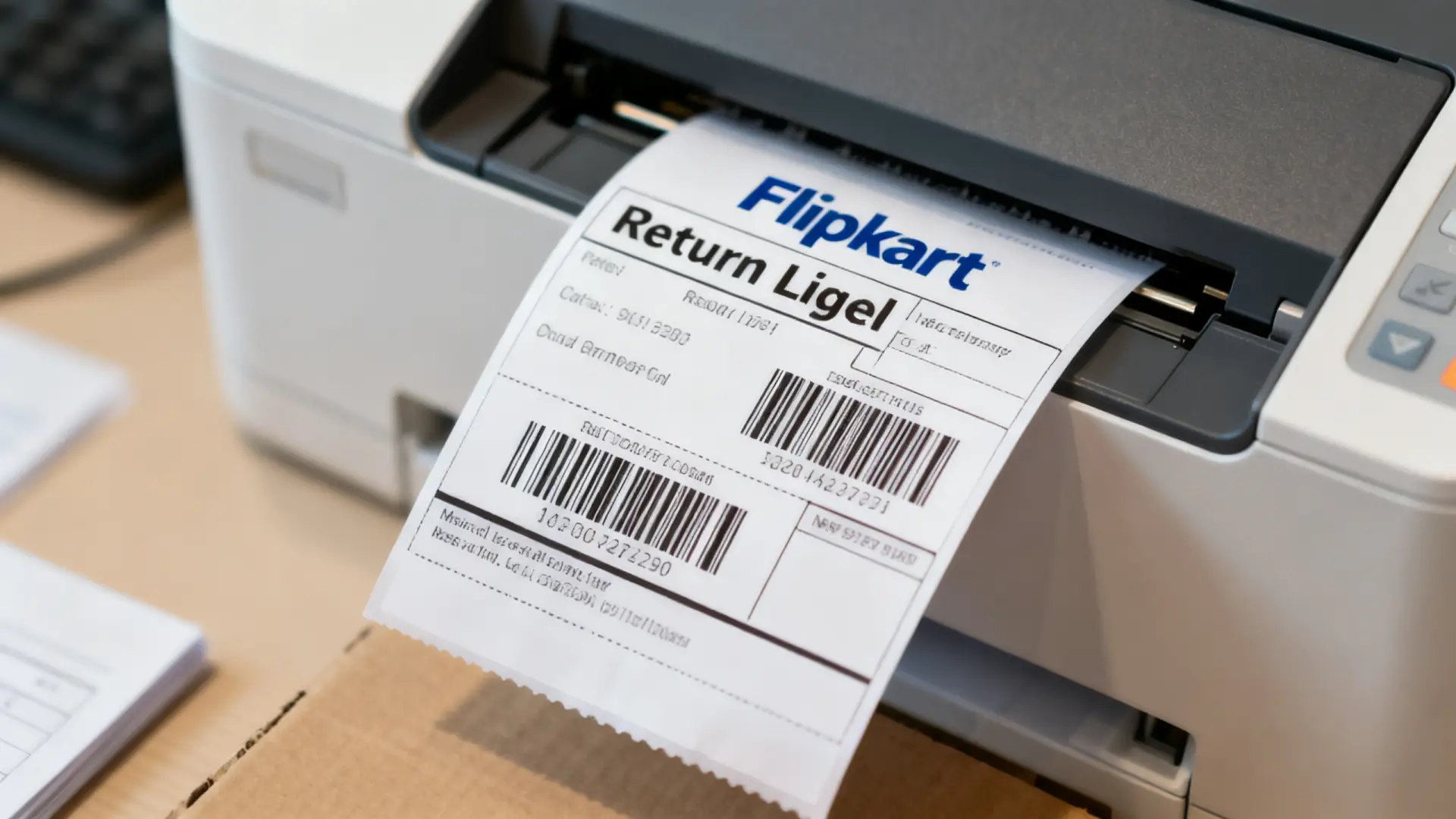
Flipkart keeps its return process inside the app and the website. The steps below work on both. Menu names can shift slightly after updates, but the flow stays consistent.
Step 1: Open Your Orders
Log in to your Flipkart account, tap the account icon, and select “Orders.” Find the item you want to send back. The return option appears only while the item is within its eligible window.
Step 2: Select Return and Give a Reason
Tap “Return,” then choose the reason from the list. Add a short comment and upload photos if the item is defective or wrong. Clear images speed up approval considerably.
Step 3: Choose Refund or Replacement
Select how you want to be compensated. Options may include a refund to the original payment method, Flipkart gift card credit, or an exchange. Gift card refunds are often faster, while original-source refunds take longer.
Step 4: Confirm Pickup Details
Verify your address and choose a pickup slot if offered. Submit the request and save the confirmation message. You can track the return status from the same order page.
How to Return an Item on Amazon
Amazon follows a similar pattern, though its interface places more emphasis on return method choices. Many eligible items qualify for free pickup, while others require a drop-off at a partner location.
Step 1: Go to Your Orders
Sign in, open “Returns & Orders,” and locate the product. Select “Return or replace items” next to it. If the button is missing, the return window has probably closed or the item is non-returnable.
Step 2: Pick a Reason and Resolution
Choose the reason, then select refund, replacement, or exchange. Amazon sometimes offers troubleshooting tips for electronics first. Skip them if you are certain the item is faulty.
Step 3: Select a Return Method
Pick between scheduled pickup, courier drop-off, or a partner store, depending on what is available for your pin code. Then confirm and print the label if one is required.
Amazon-Specific Tips
Amazon may ask for a short video for high-value items, such as phones or appliances. Record the unboxing and the defect whenever possible. In addition, use the “Contact Us” option within your order if the return button does not work. Amazon’s help team can often open the return manually.
Packing and Pickup Tips
A smooth pickup depends on how you prepare the parcel. Delivery agents inspect the package briefly, and they can refuse items that look used or incomplete. A common mistake is discarding the outer carton right after delivery.
How to Pack Your Return
- Place the item in its original box with all accessories, manuals, and freebies.
- Keep brand tags attached and protective films intact where possible.
- Seal the package securely, but do not cover the product barcode.
- Attach any shipping label or invoice if the platform requests it.
- Photograph the sealed package before handover.
During the Pickup
Be available during the scheduled slot and keep your phone nearby. Ask the agent for a pickup confirmation or check that the app status updates to “Picked up.” If the agent does not arrive, reschedule through the app rather than waiting for another day. Furthermore, never hand over the item without confirming the return ID matches.
Refund Methods and Timelines
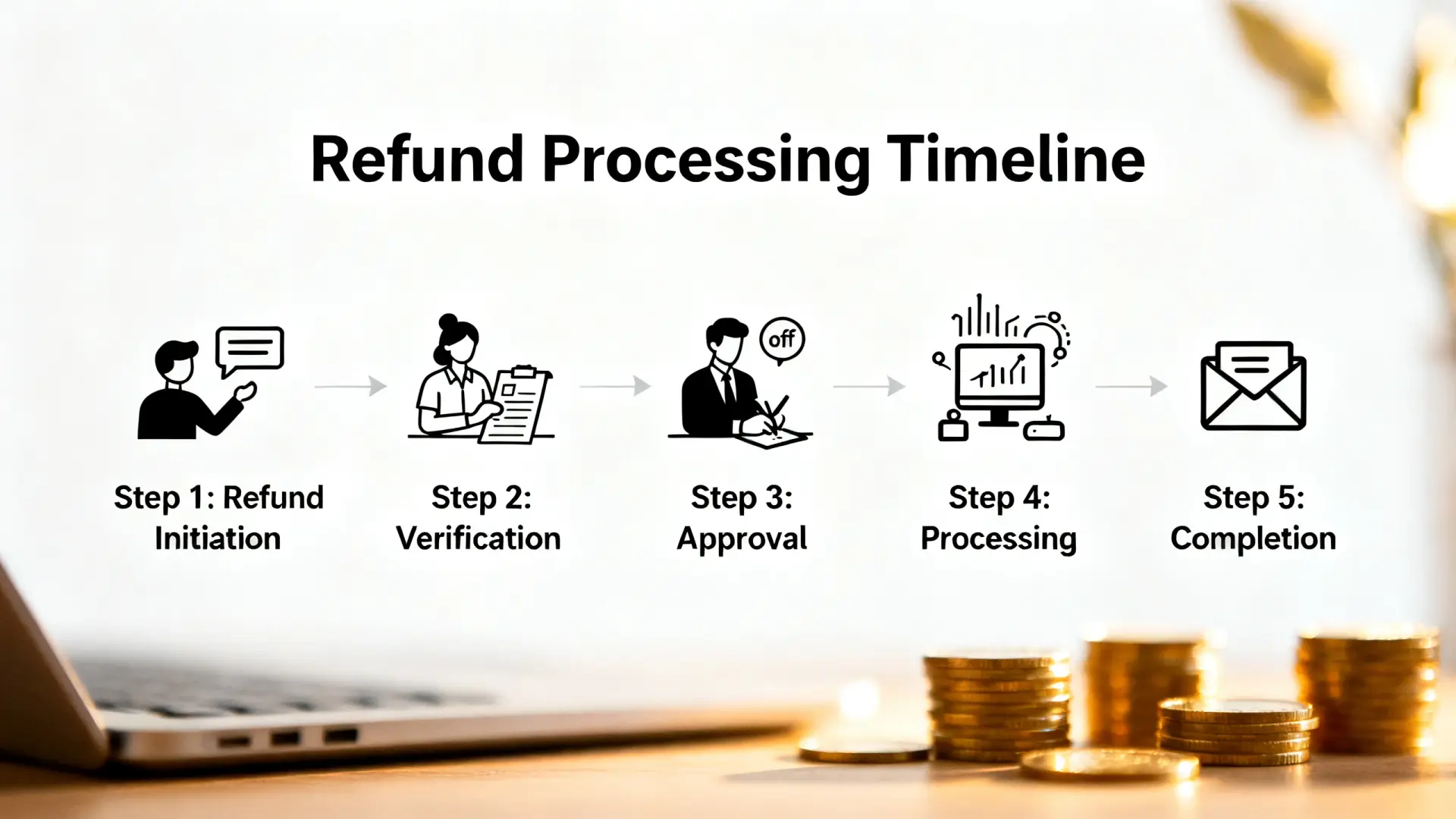
Refund speed depends on the payment method and the platform’s quality check. Generally, the clock starts after the warehouse or seller receives and approves the item, not when the courier collects it. Both companies display estimated timelines in the order details.
Typical Refund Destinations
- Gift card or store credit: Often within hours to a couple of days.
- UPI or bank account: Usually 2 to 7 business days.
- Credit or debit card: Commonly 5 to 10 business days, depending on your bank.
- Cash on delivery orders: You may need to add bank or UPI details for the refund.
If you pay through UPI, refunds usually return to the same linked account. For a refresher on how those payments work, see our step-by-step UPI guide. Meanwhile, you can read the general rules around consumer rights on the National Consumer Helpline website.
Common Problems and Fixes
Even a well-prepared return can hit snags. Fortunately, most issues have straightforward solutions if you act quickly and keep records. What works well is documenting every step from the start.
Return Request Rejected
Rejections often happen when the item looks used or accessories are missing. Reply to the rejection message with clear photos and a brief explanation. If that fails, raise the issue through customer support and ask for a manual review.
Refund Delayed Beyond the Timeline
First, check the order page for a refund reference number. Next, contact your bank with that number, since some delays occur on the card network side. If the bank confirms nothing was received, escalate to the platform’s support chat with the details.
Pickup Not Available in Your Area
Some pin codes lack pickup service for certain sellers. In that case, ship the item through the courier option provided and keep the tracking receipt. You can also contact our team if you need help interpreting a policy, though we cannot act on behalf of either retailer.
Escalating a Serious Dispute
If support does not resolve your issue, use the platform’s grievance officer contact listed in its policy pages. Alternatively, file a complaint through the national consumer portal. Keep screenshots, emails, and tracking records ready. Our disclaimer clarifies that this guide offers general information, not legal advice.
Frequently Asked Questions
Can I return a product without the original box?
It is risky. Many sellers require original packaging, and pickups can be rejected without it. If the box is gone, pack the item securely and explain the situation in the return comments.
Who pays for return shipping?
For damaged, defective, or wrong items, return shipping is usually free. For change-of-mind returns, fees may apply depending on the seller and category.
How long does a refund take?
Most refunds arrive within 2 to 10 business days after the returned item is approved. Gift card credits are generally faster than card refunds.
Can I cancel a return after requesting it?
Usually yes, as long as the item has not been picked up. Open the order details and look for a cancel return option, or contact support.
Conclusion: Your Next Step
Returning a product is simple when you follow the right order: confirm eligibility, request the return from your orders page, pack carefully, and track the refund. Today, open your recent orders and note the return deadlines on anything you are unsure about. If you want to shop smarter in the future, check our roundup of free AI tools for daily tasks to help compare products and track deadlines. You can also read more about our mission to see how we create practical guides like this one.